Cybersecurity Lab - Security Onion Setup
Full Security Onion setup guide (VMware)
By the end of this exercise, we will have:
- Security Onion VM set up
Security Onion VM Setup
Security Onion ISO: https://securityonionsolutions.com/software/
I am on version 2.4.200
VM specs (recommended minimum):
- 16GB Memory
- 8 Processors
- 200GB Storage
- Network Adapters:
- Adapter 1: SOC (10.10.3.0/24)
- Adapter 2: DMZ
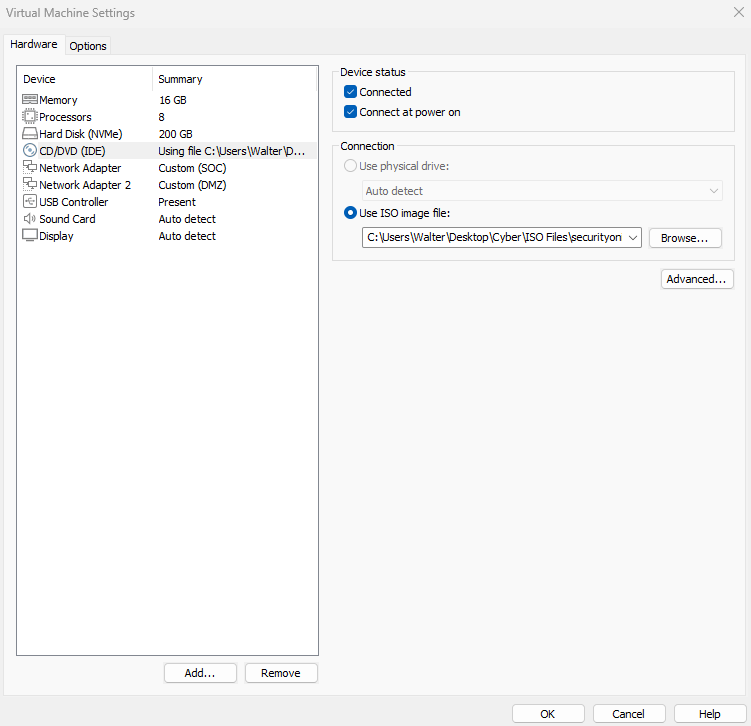
Boot the VM
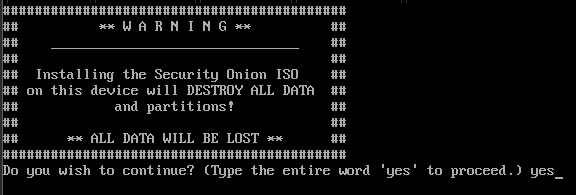
Enter ‘yes’ to proceed
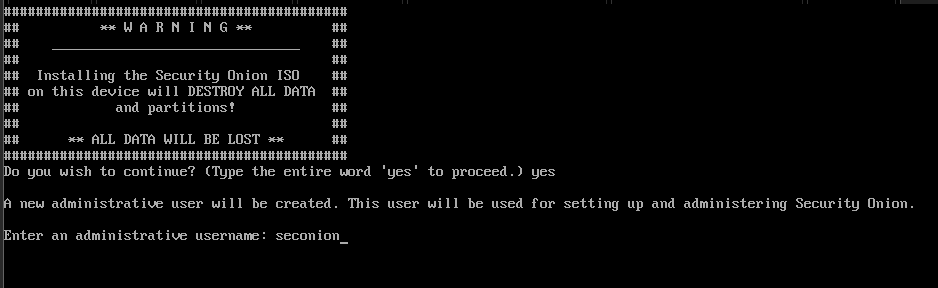
Enter an admin username and password. We will use these credentials to SSH into the VM.
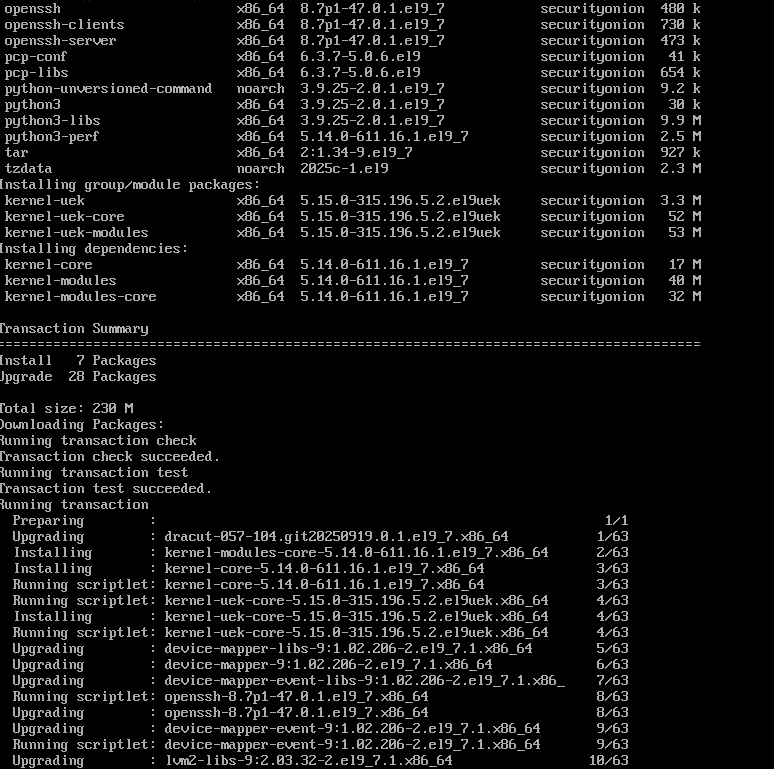
installation should begin shortly after
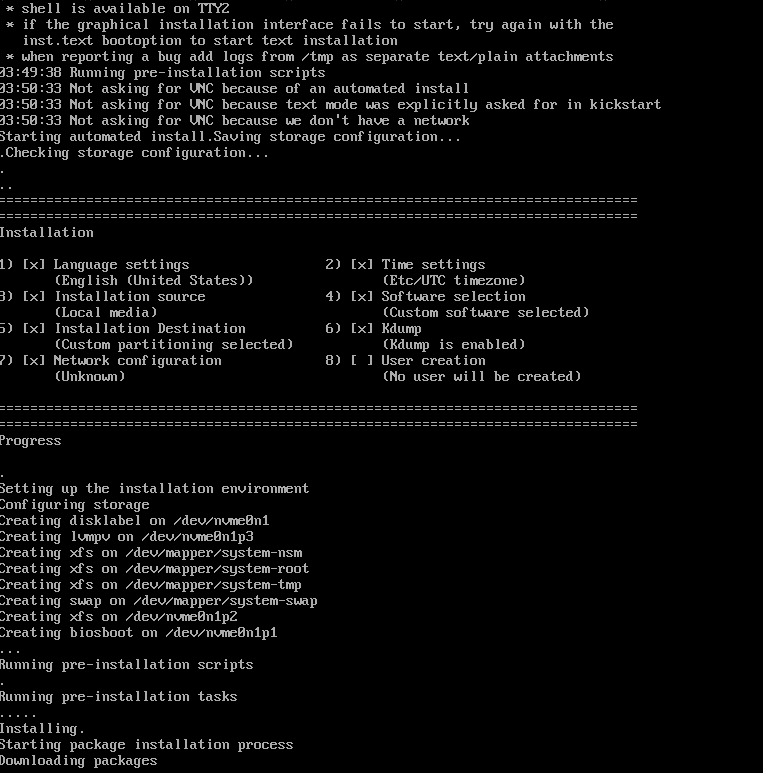
Reboot the VM

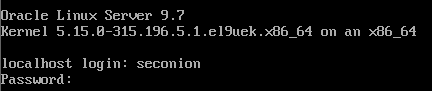
Log in using the credentials from earlier
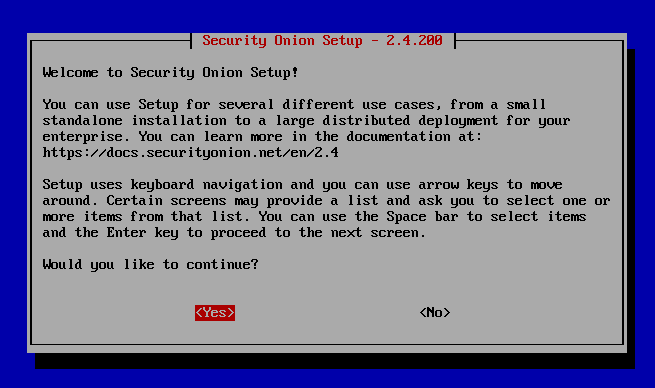
Yes
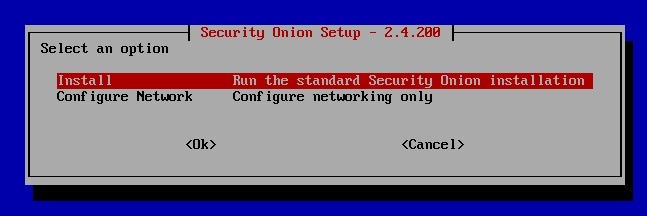
Install
Standalone
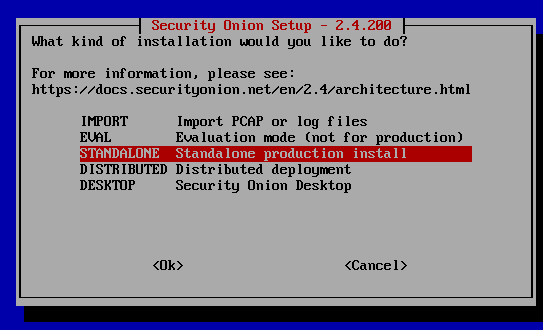
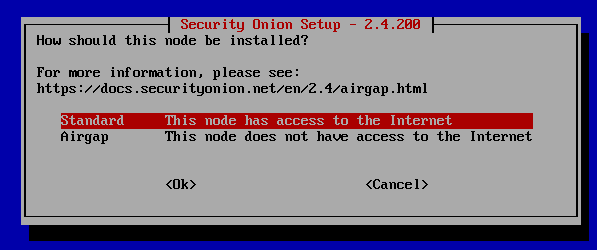
Standard
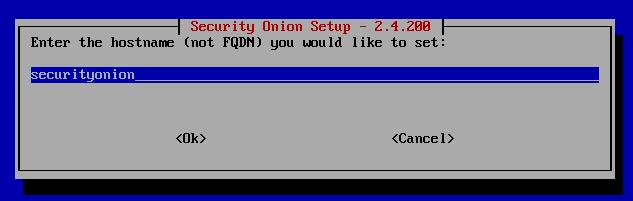
Set a hostname (or leave at default)
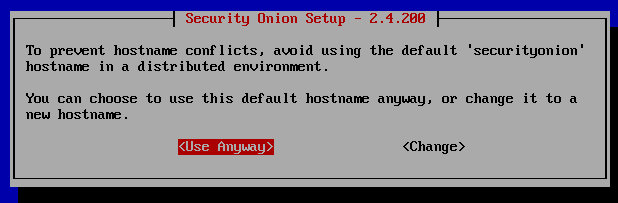
Since this is a lab environment running 1 Security Onion instance, the default hostname is fine
Select the SOC NIC as the management interface (ens160 in my case)
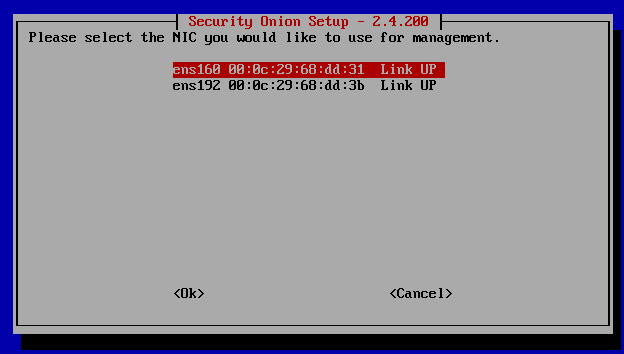
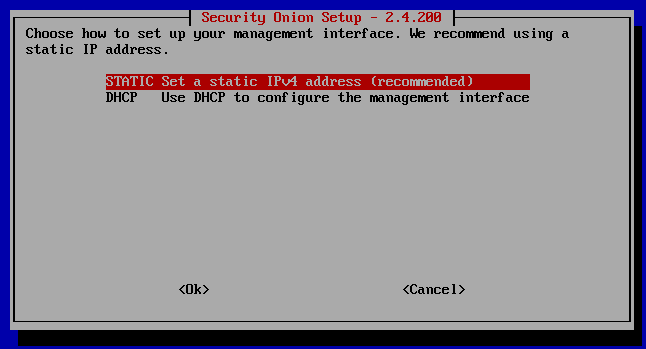
Set a static IP
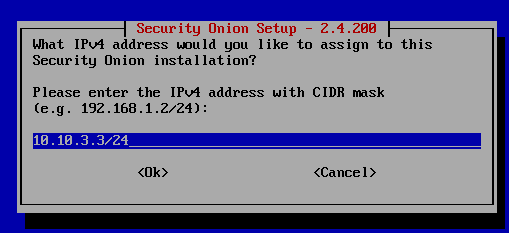
I gave this VM the IP address 10.10.3.3.
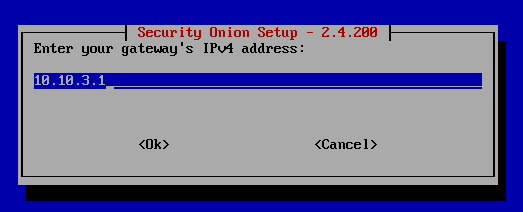
Set the default gateway
Set the DNS server
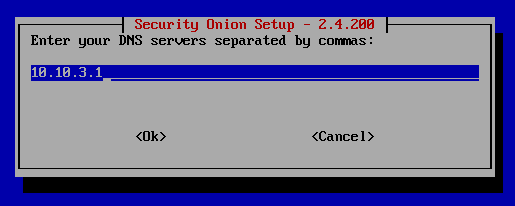
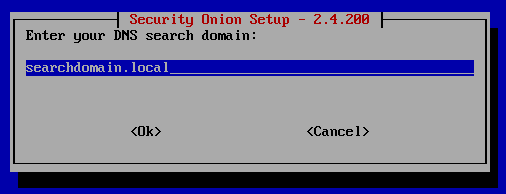
Leave at default
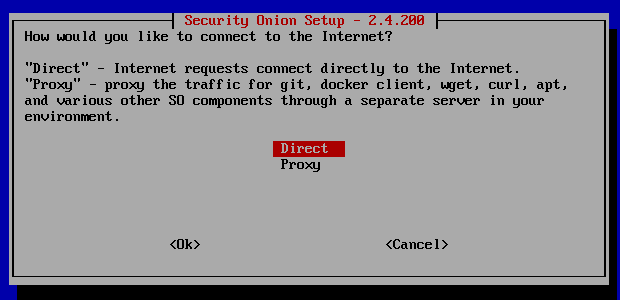
Leave at direct
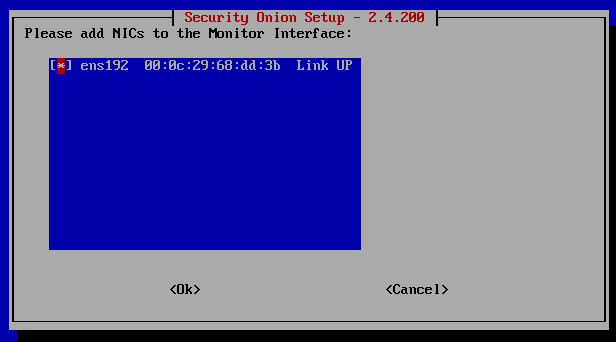
Yes

ens192 corresponds to the adapter that is attached to the DMZ network. Security Onion does not need (and shouldn’t have) an IP address on this network.
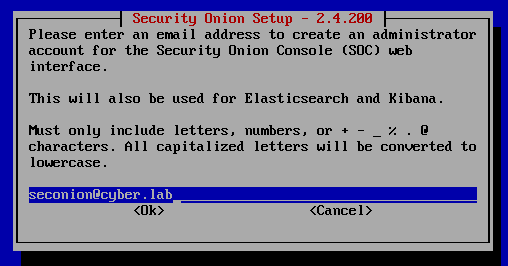
Create an admin account to log into the Security Onion console (web interface). This does not have to be a real email.
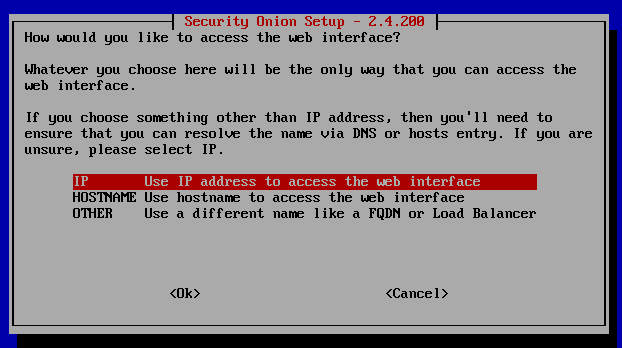
Select IP
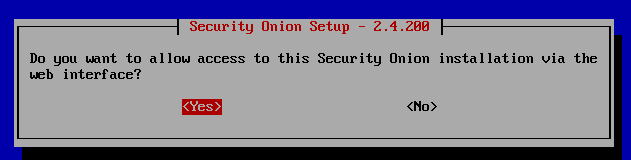
Yes
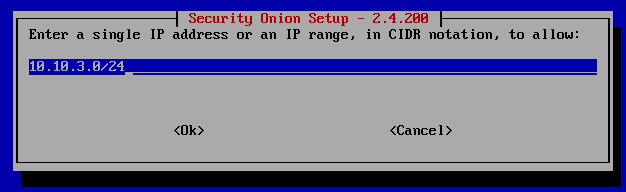
Allow the entire SOC net
Make sure your configurations are correct before proceeding
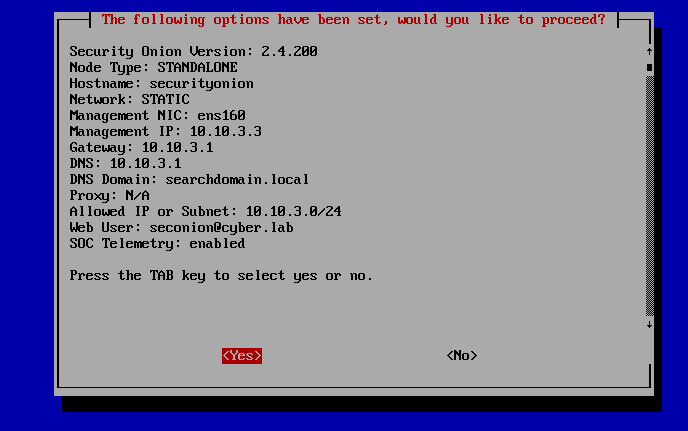
The Security Onion installation will now begin. This may take a while (30-60 minutes)
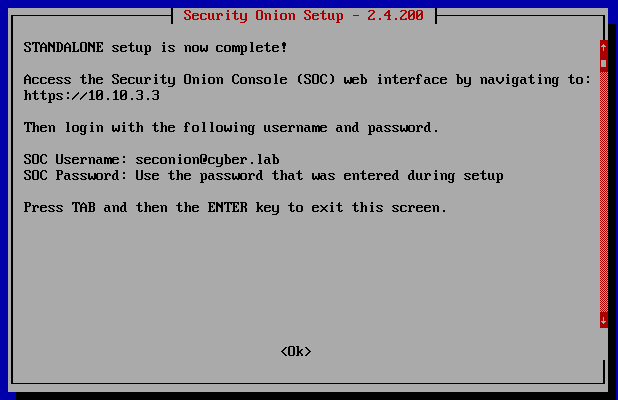
After Security Onion is done setting up, we should be able to access the console
Security Onion Web Interface + Testing
From the Ubuntu VM, I generated some failed SSH logins.
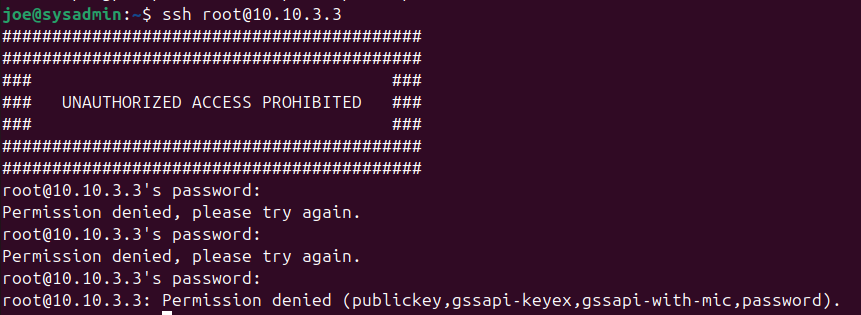
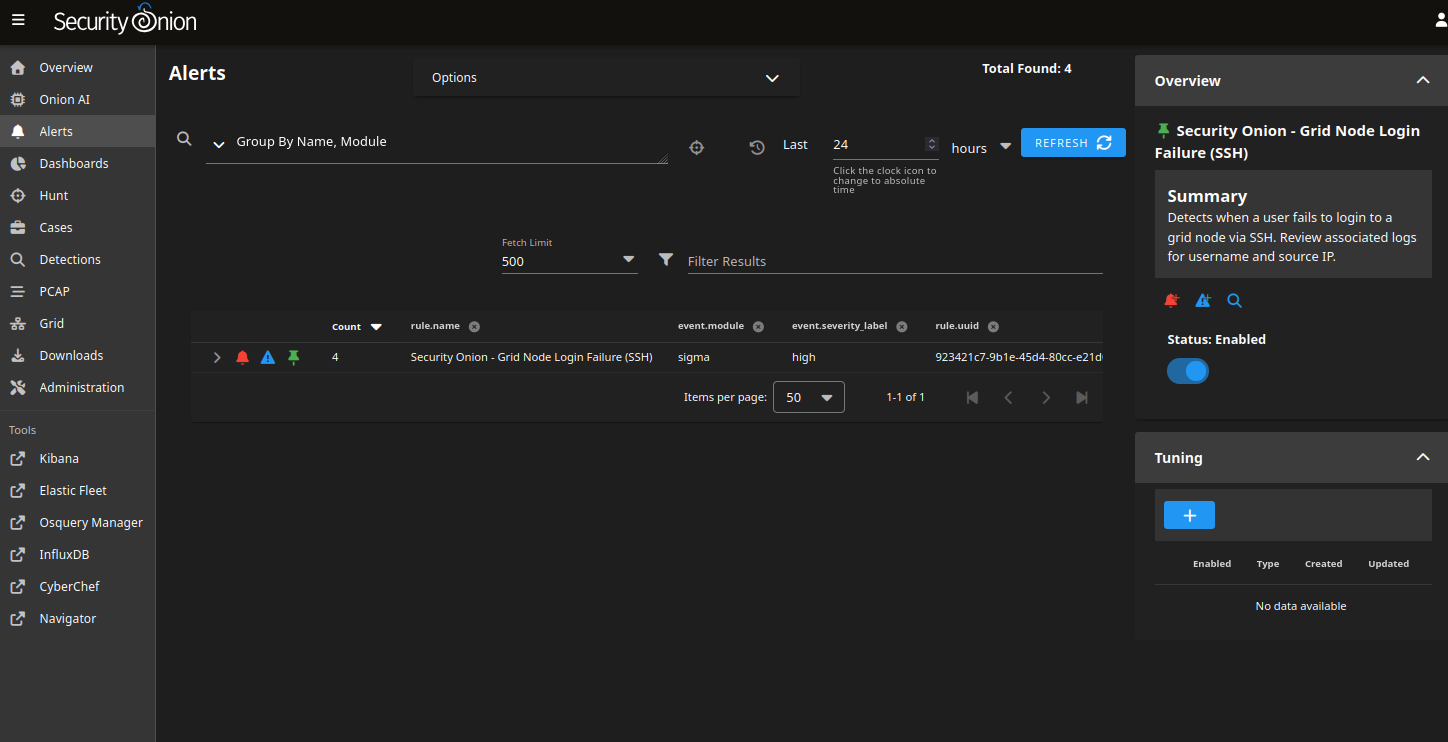
When I head to the Security Onion web interface, my failed logins got logged
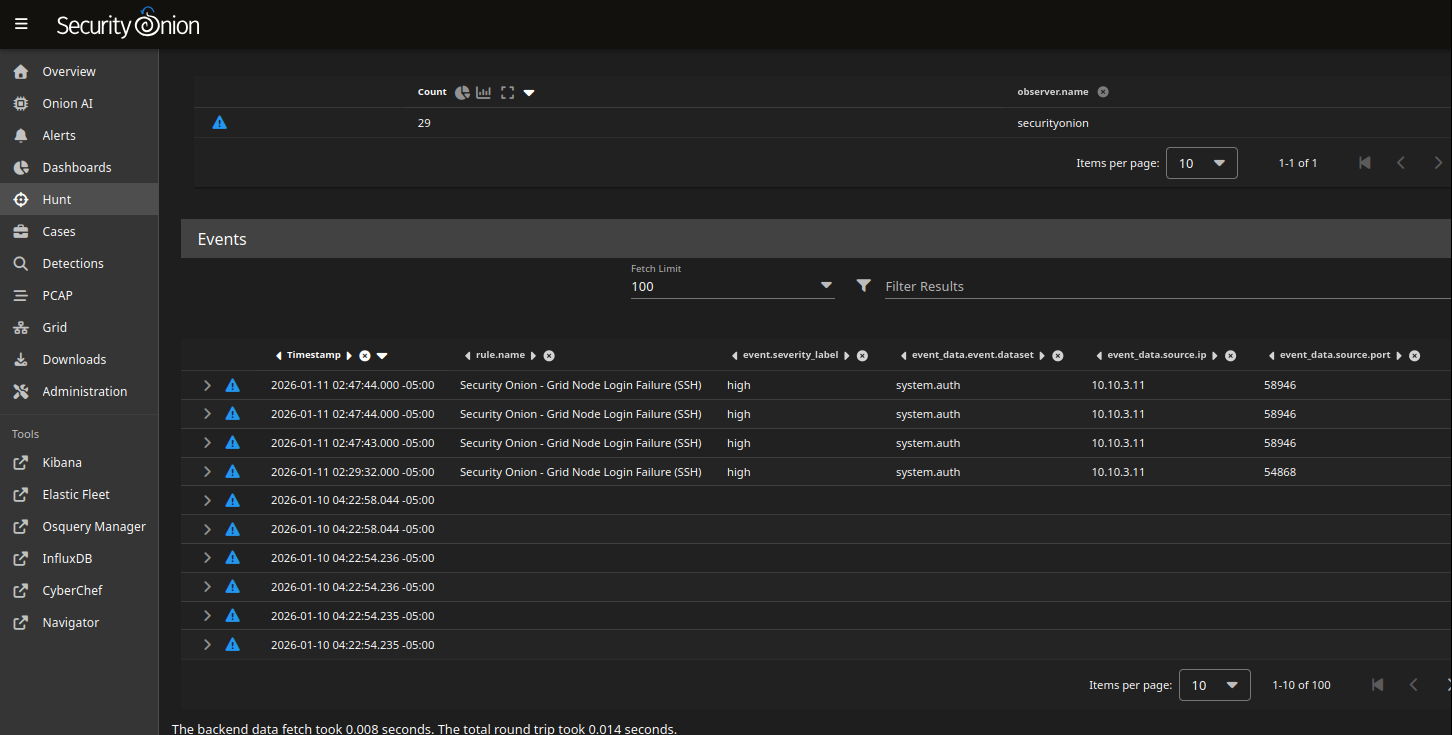
An alert was also created.
Security Onion offers lots of customization options and integrations, however this is fine for now. See Log Visibility. We will improve log visibility and detection capabilities over time, as we run attack simulations.