Installing TheHive Dependencies
Installing dependencies for TheHive VM.
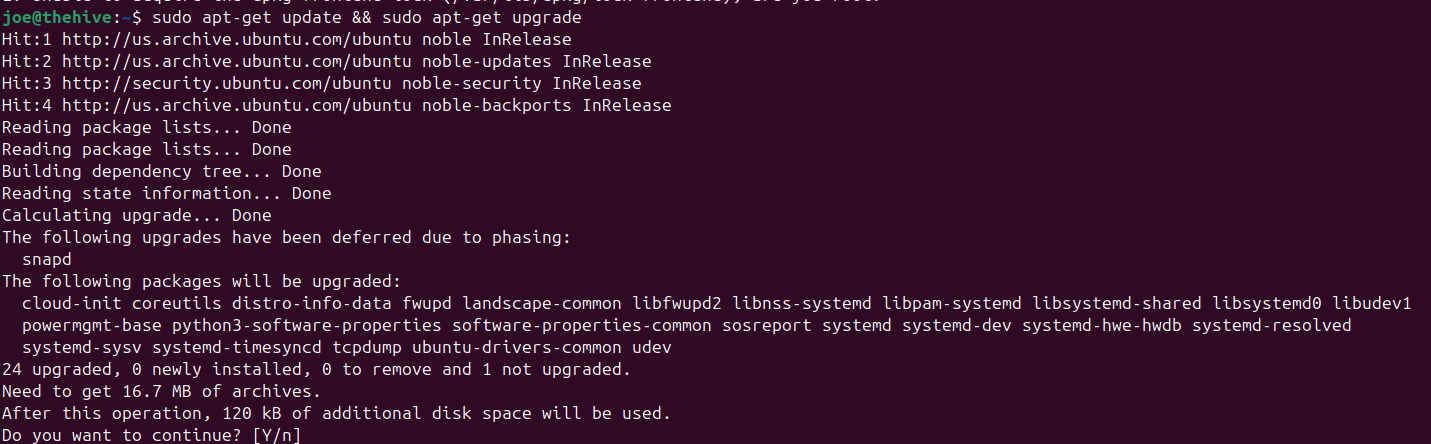
Before doing anything, run sudo apt-get update && sudo apt-get upgrade
This should take a minute or two
I followed the official StrangeBee installation guide. I am not going to list every command I ran since everything is on the guide, however I will list what steps I did and post some checkpoints to make sure you are on the right path.
Docs - https://docs.strangebee.com/thehive/installation/installation-guide-linux-standalone-server/
We are only installing the dependencies, we are not configuring anything yet because we want to make sure we have everything installed first
First, run sudo apt install wget curl gnupg coreutils apt-transport-https git ca-certificates ca-certificates-java software-properties-common python3-pip lsb-release unzip
TheHive runs on a 14 day trial
Follow all of Step 2
Checkpoint 1: Java Virtual Machine (JVM) installed

Only follow Step 3.1 (make sure you are on DEB since we are using Ubuntu)
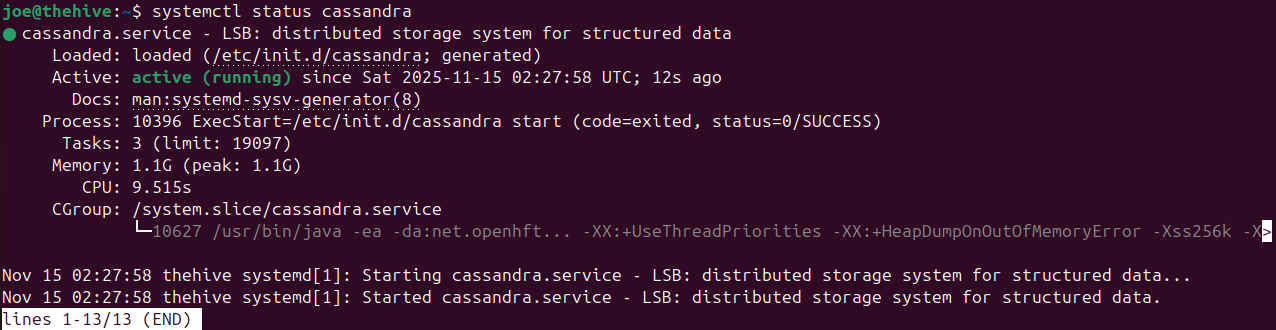
We will only install Cassandra but not configure it yet, so skip Steps 3.2 - 3.6 for now
Checkpoint 2: Apache Cassandra installed
Follow Step 4.1 (again, make sure you are listing the DEB commands)
Checkpoint 3: Elasticsearch installed
it is installed, but not running which is fine

Follow Step 5.1
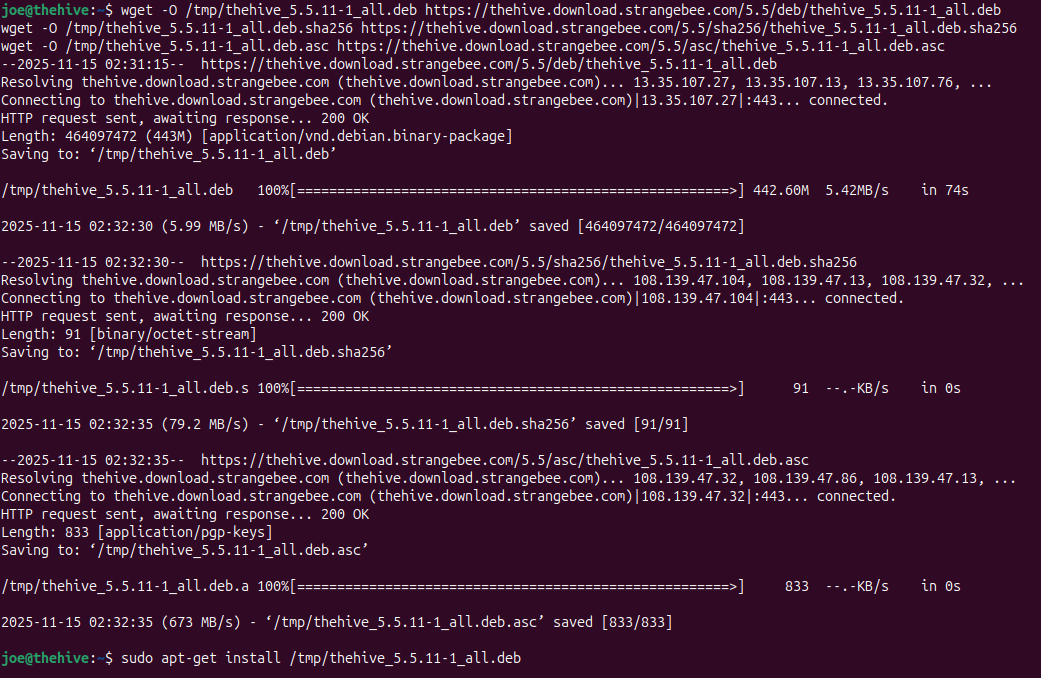
I installed TheHive using wget
I did not install a specific version, just the latest version which was 5.5.11 at the time
Verify the integrity of the downloaded package via GPG or SHA256
then run sudo apt-get install /tmp/thehive
Checkpoint 4: TheHive installed
Next: TheHive Configuration