Ubuntu Server VM Setup
Ubuntu Server VM installation and setup.
I am using Ubuntu Server (24.04.03 LTS): https://ubuntu.com/download/server
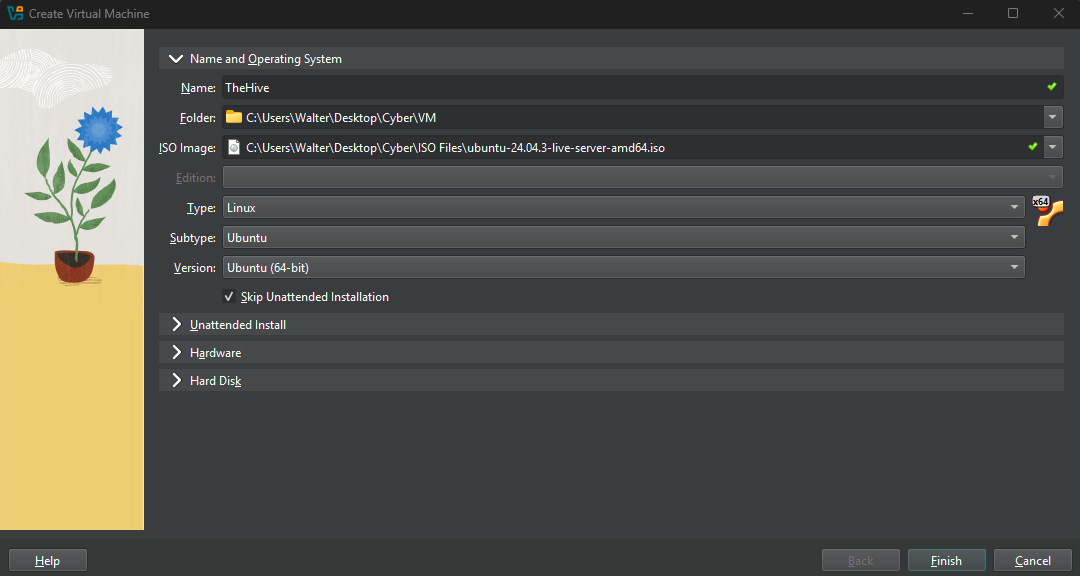
On VirtualBox, create a new VM
This one is for TheHive, so name it accordingly
Select the Ubuntu server ISO
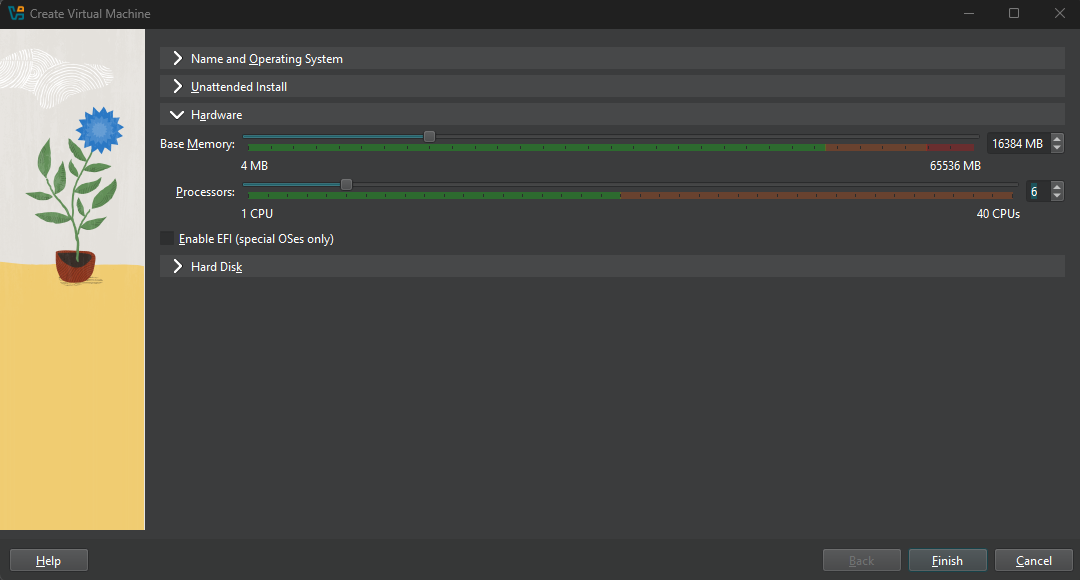
As per documentation, TheHive recommends at least 16GB and 6 CPUs for stable performance - https://docs.strangebee.com/thehive/installation/system-requirements/
TheHive relies on Cassandra and Elasticsearch which runs on JVM, thus the high memory requirement
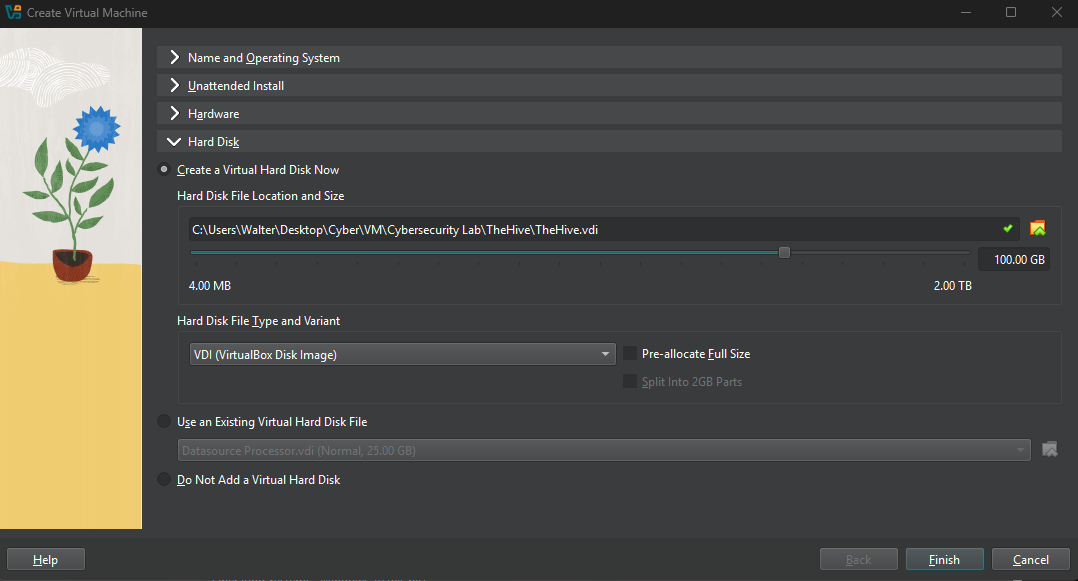
I set the storage to 100 GB
Launch the VM (do not change any network configurations yet)
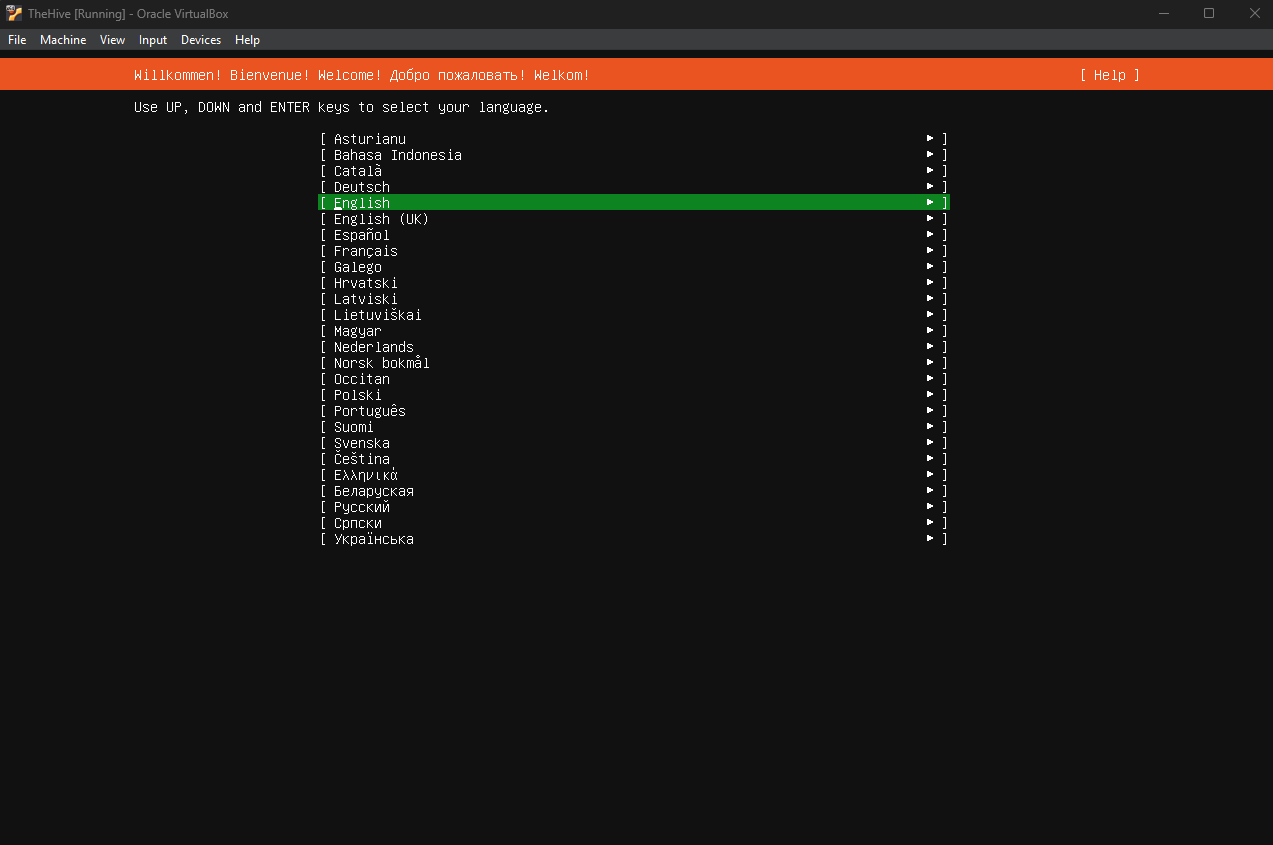
Select a language
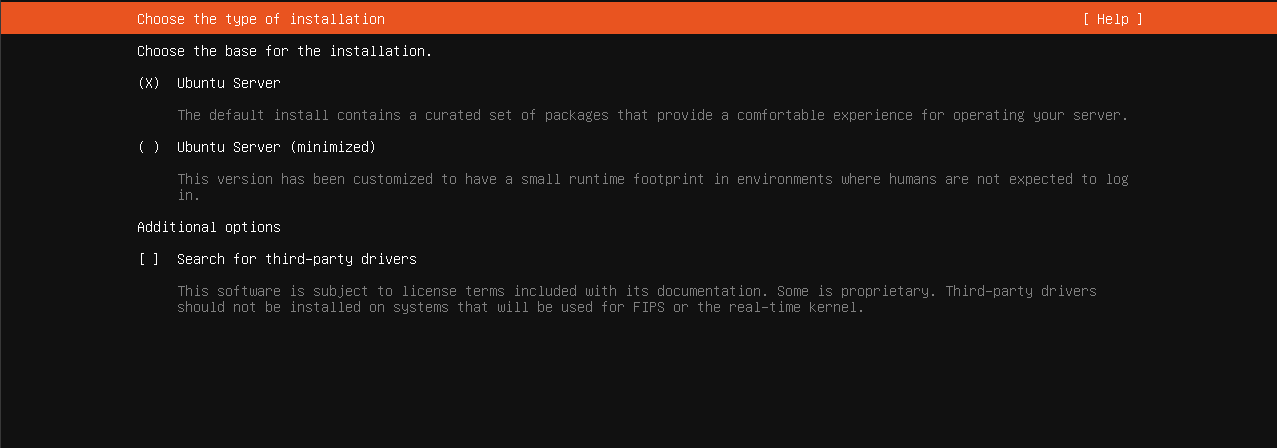
Leave Ubuntu server checked
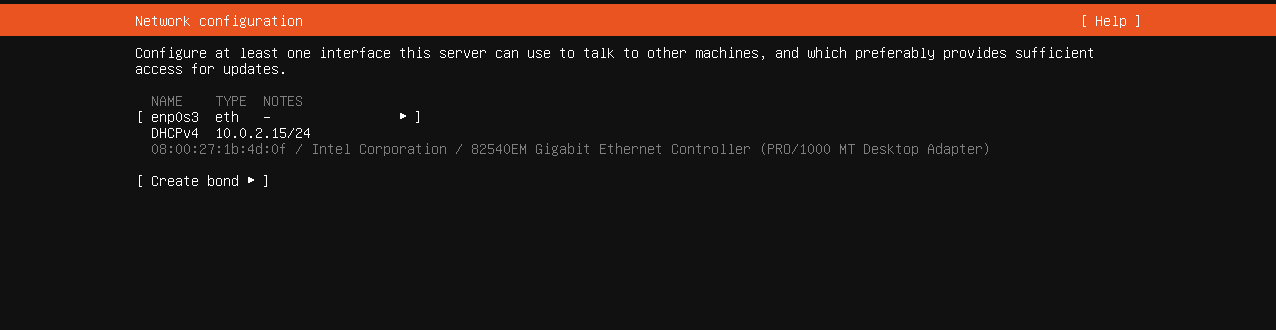
Leave this at the default setting
Leave blank, next

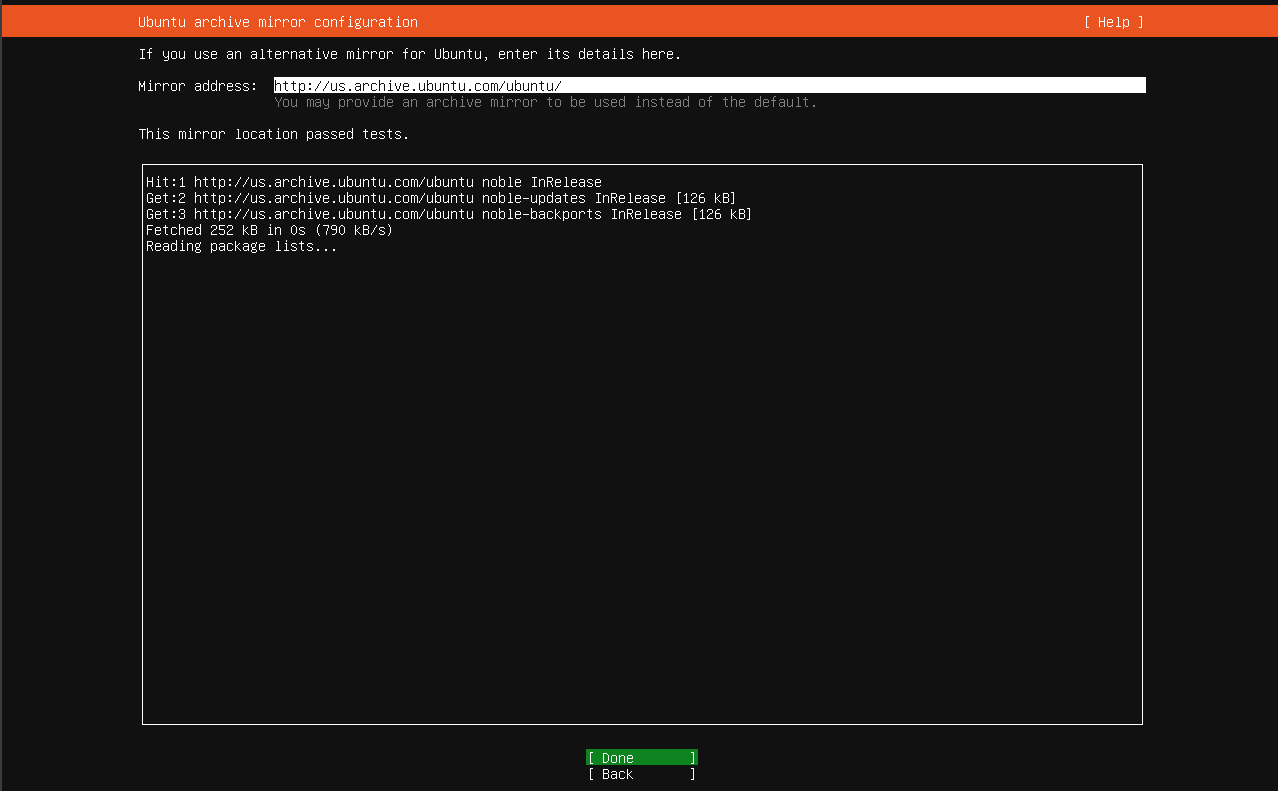
Wait for the mirror to pass the tests, then go next
Leave at default settings, next
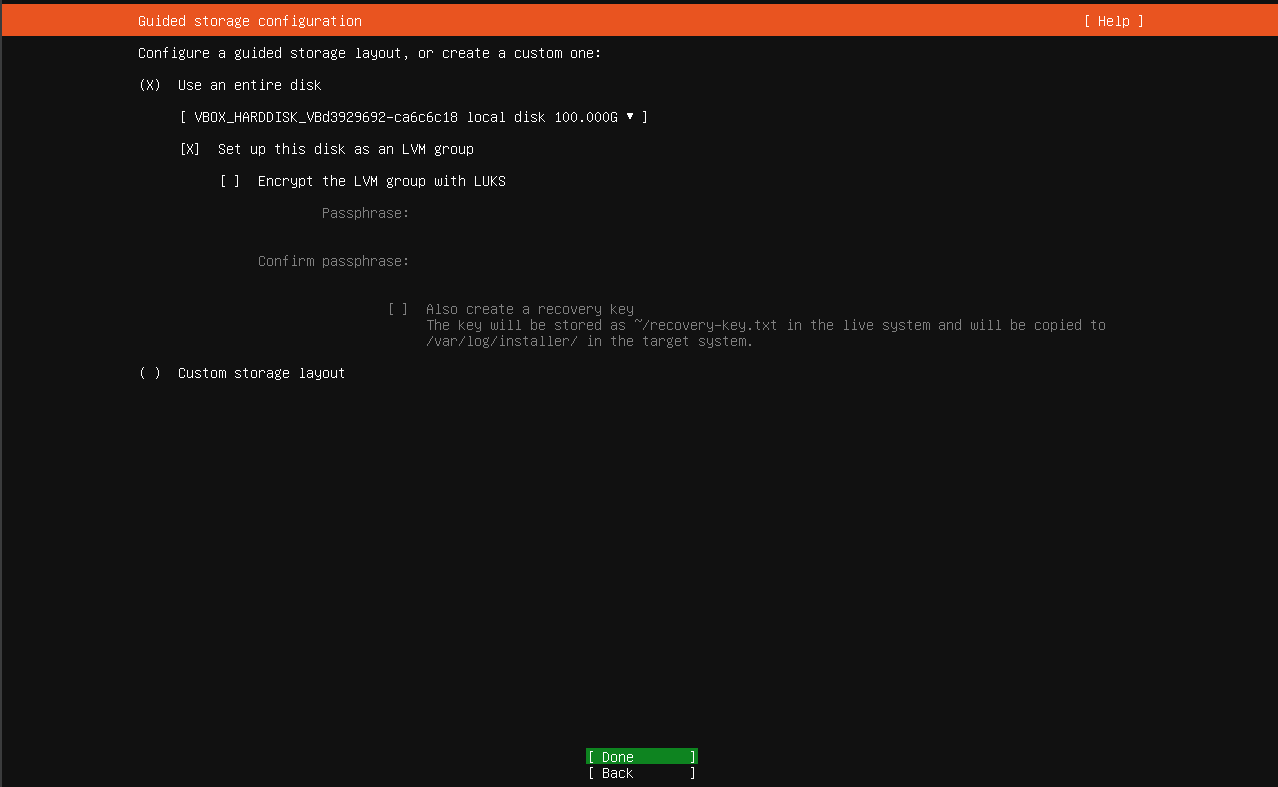
Select done, and continue
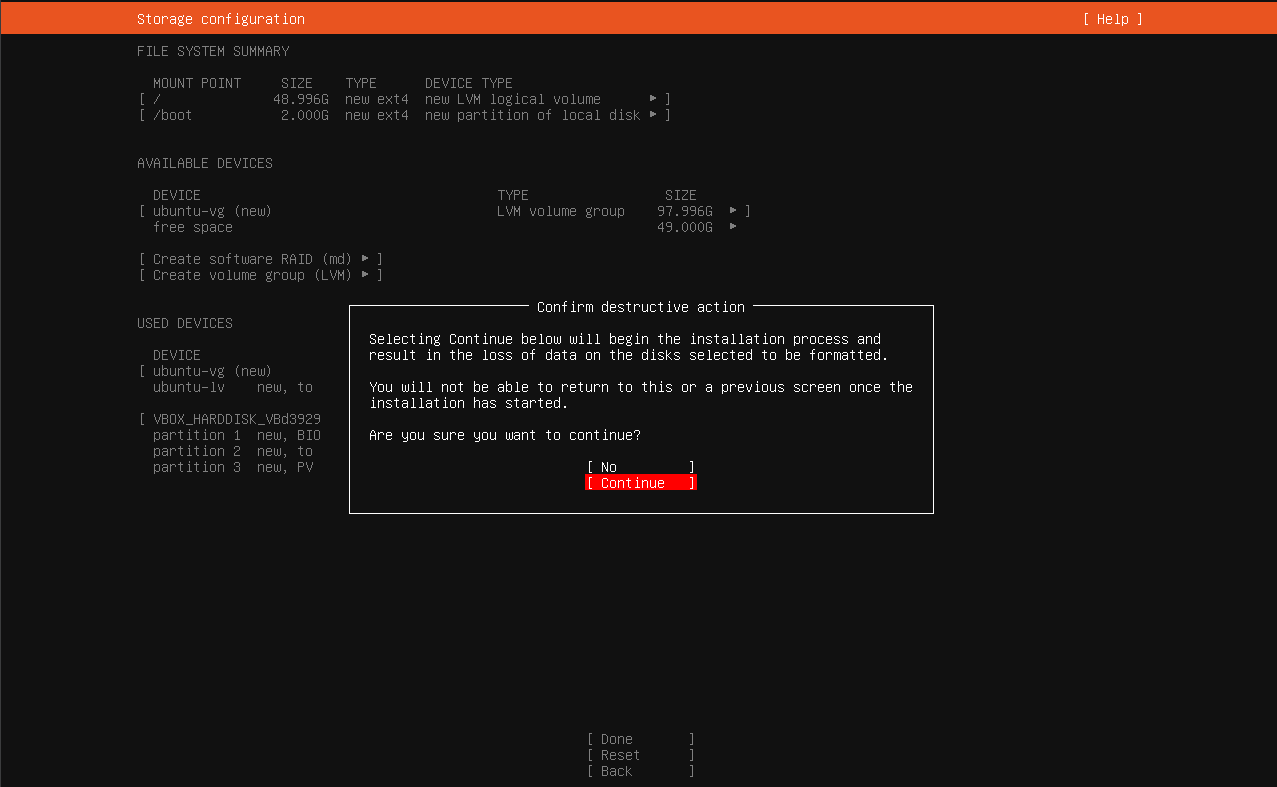
Give the server a name and create a user
We will use this user’s credentials to SSH into the VM
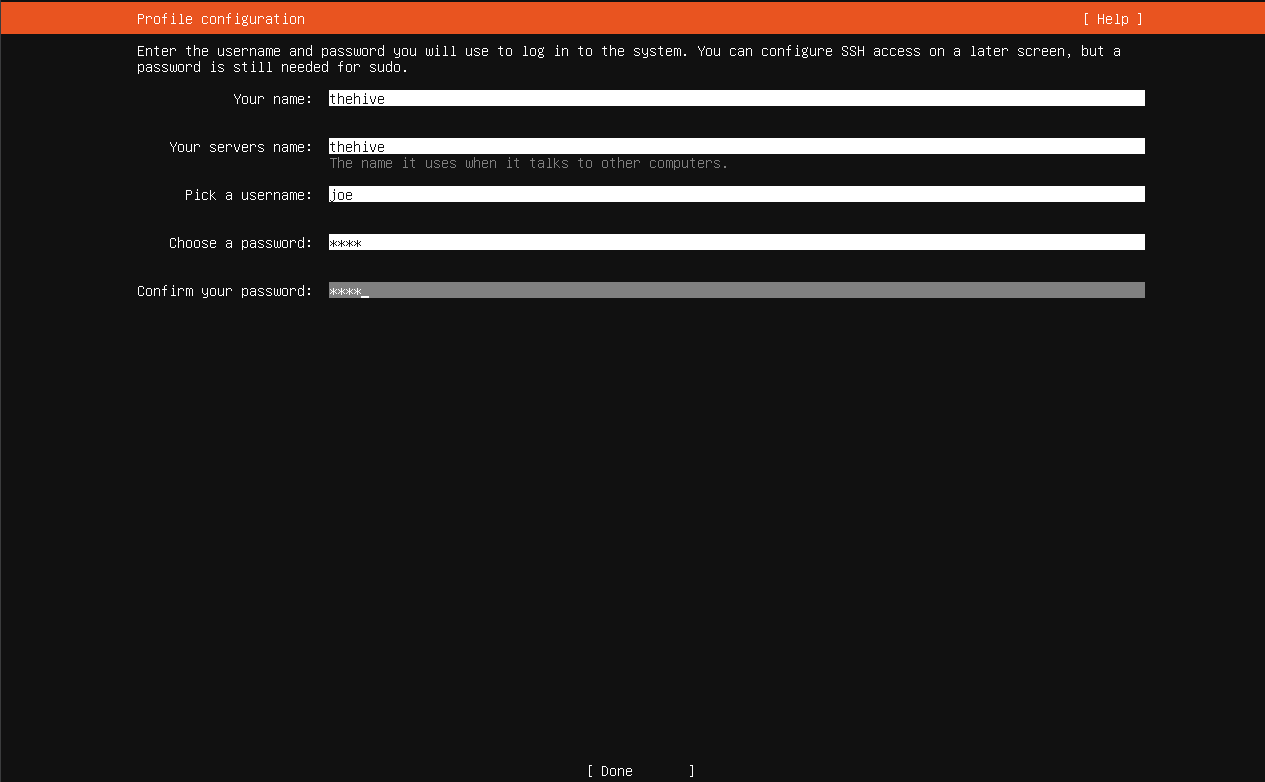
Continue
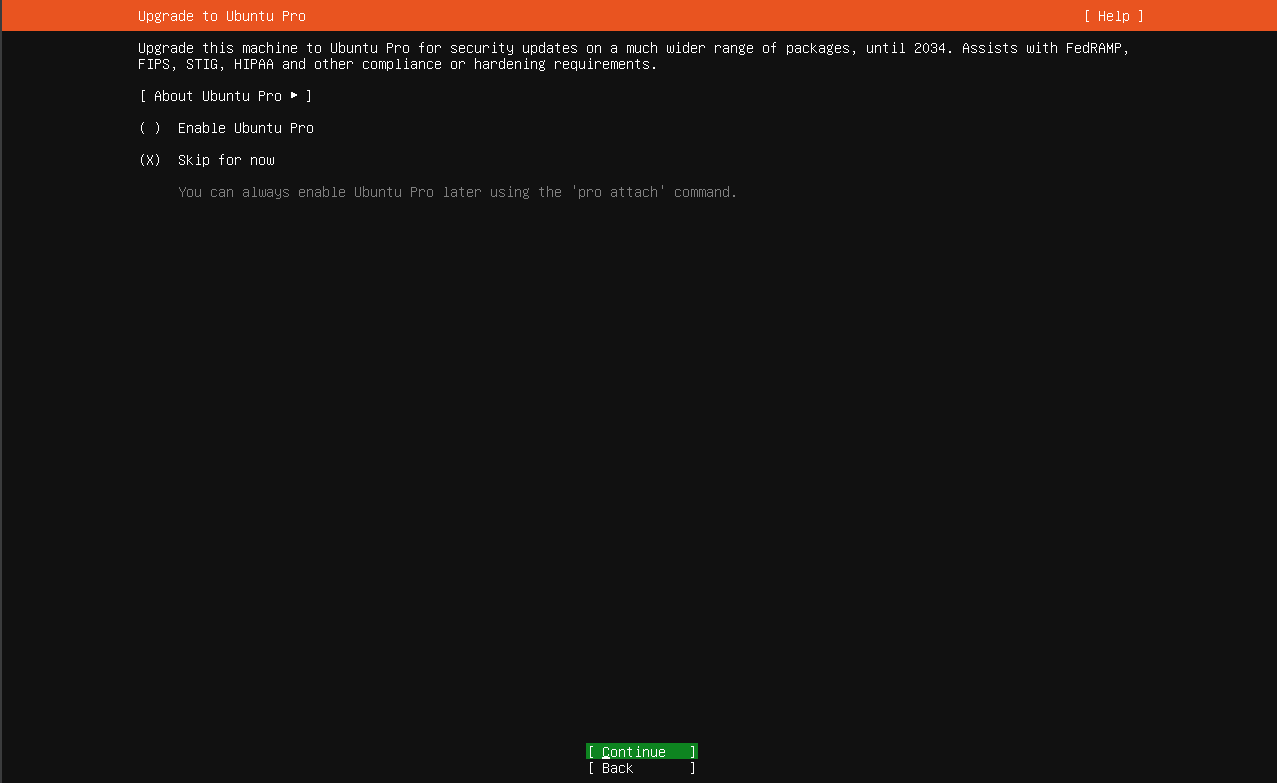
Make sure to check “Install OpenSSH server” before proceeding
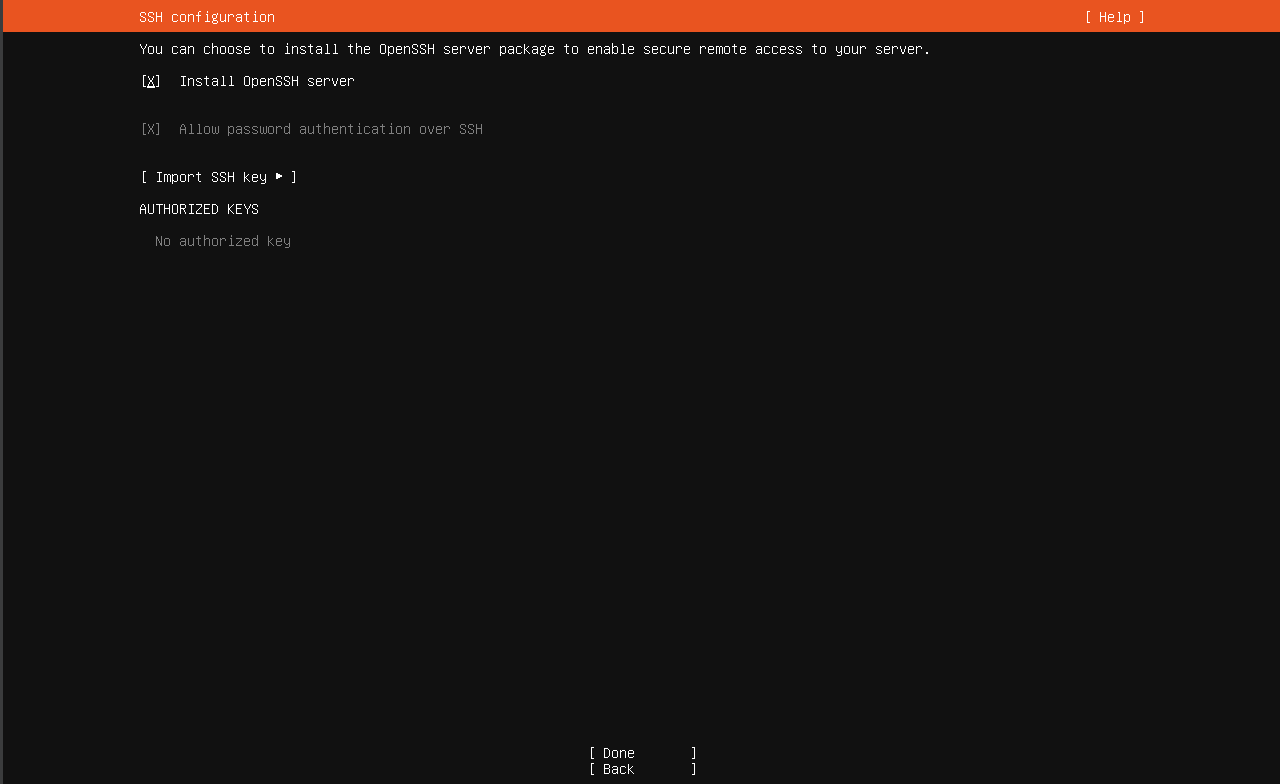
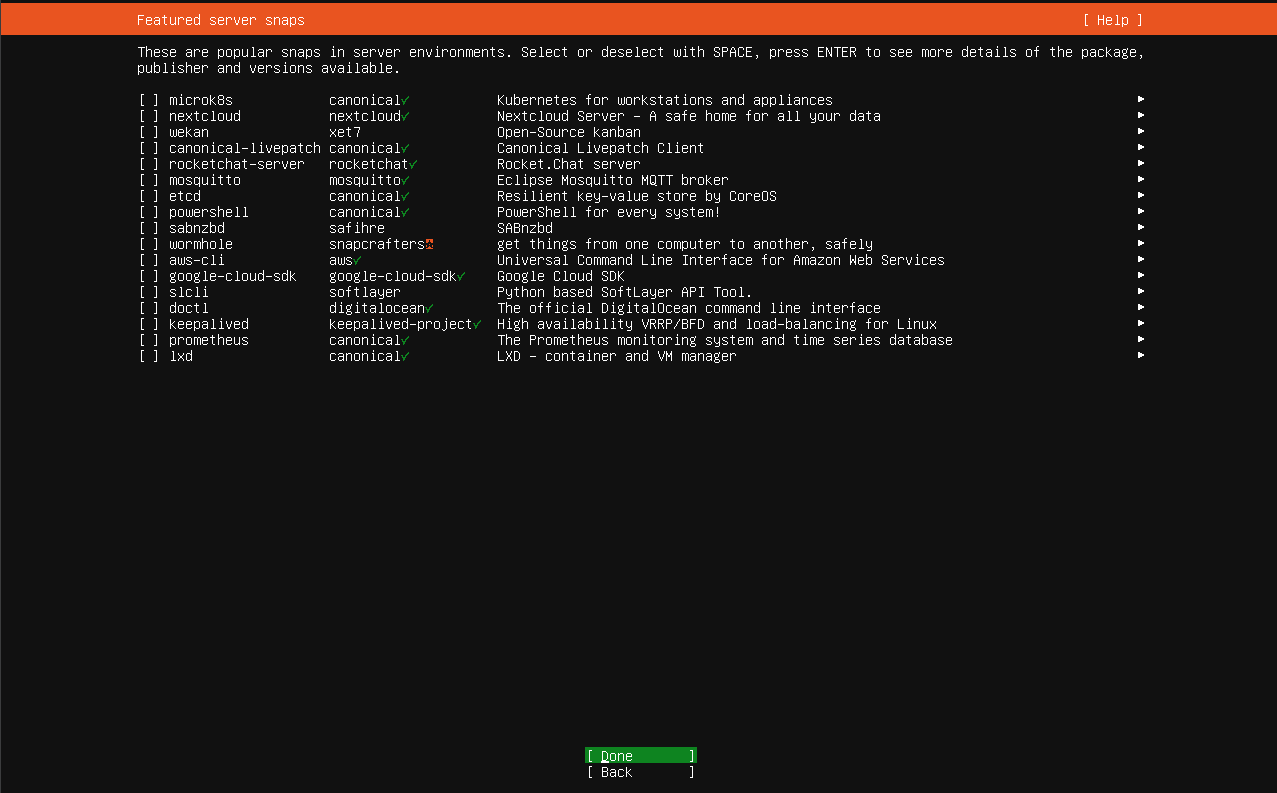
Don’t select anything, next
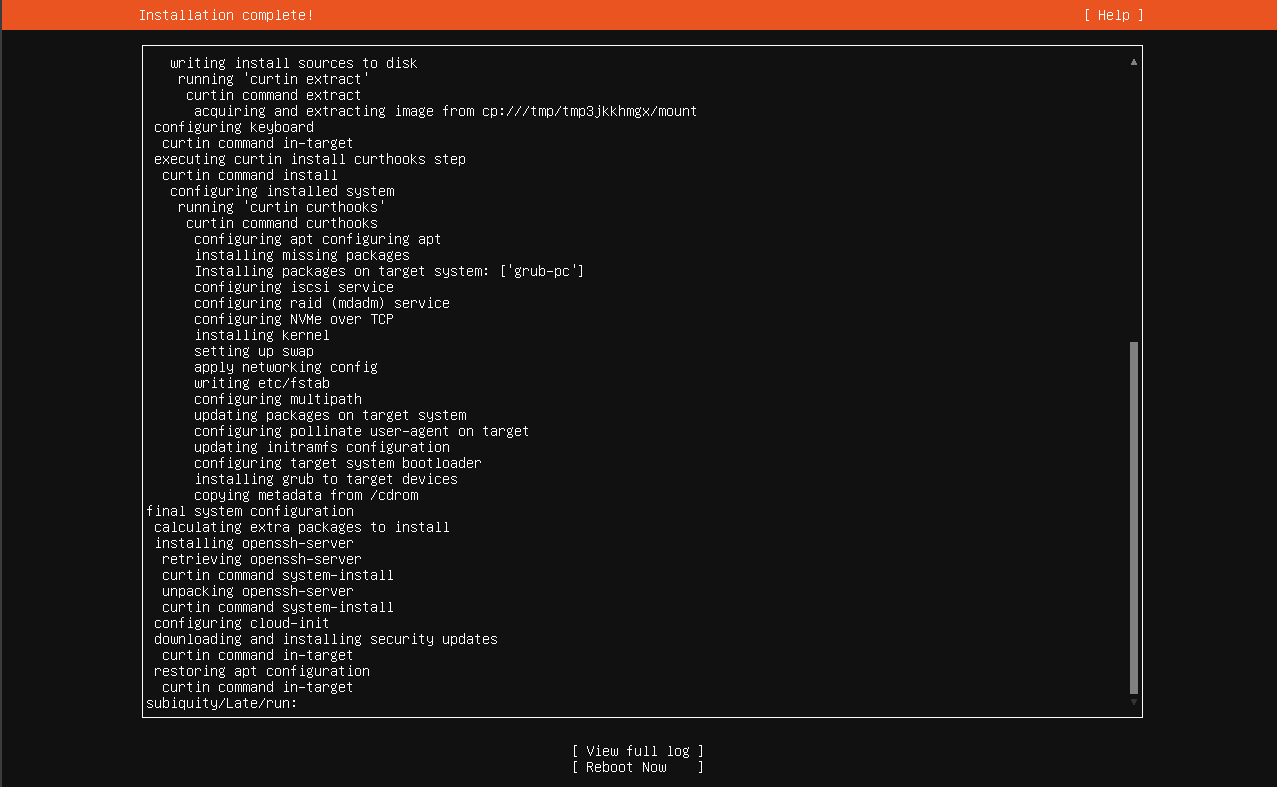
Click reboot now and shut down the VM
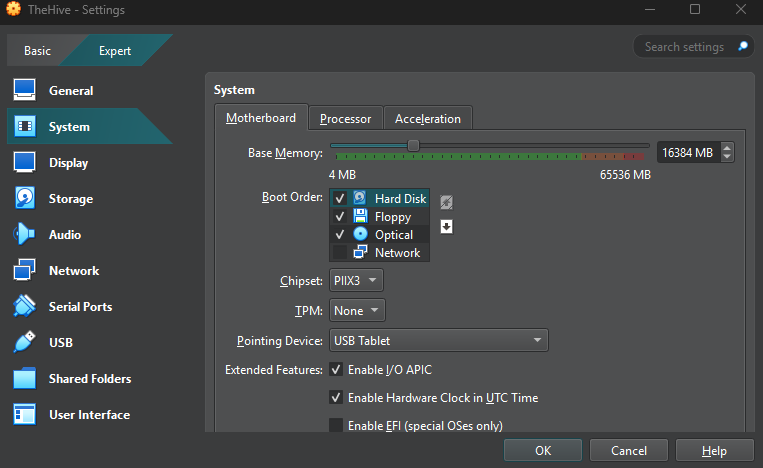
Right click the VM > Settings
Under System, make sure hard disk is at the top of the boot order
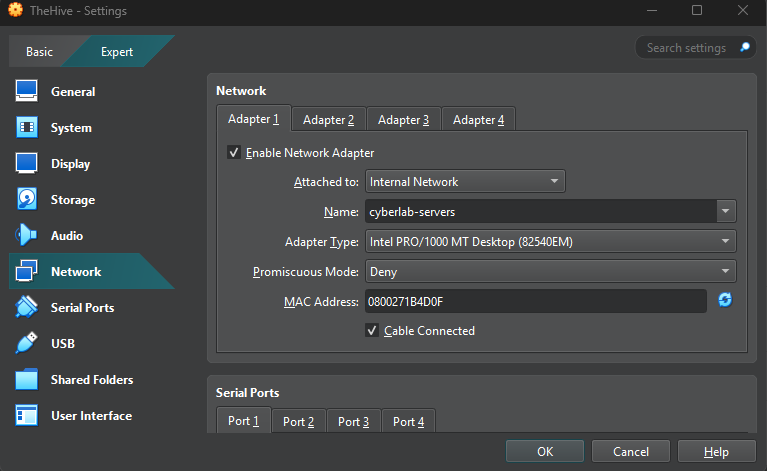
Under Network, change Adapter 1 to internal network (cyberlab-servers)
Launch the VM
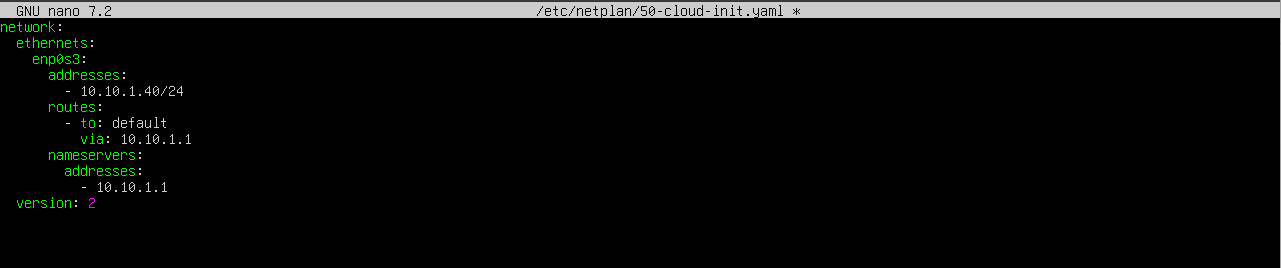
Log in as the user you created and run sudo nano /etc/netplan/50-cloud-init.yaml

These are the network configurations for my TheHive VM
I gave the VM the IP address: 10.10.1.40
Save and write your changes (Ctrl + O) and exit (Ctrl + X)
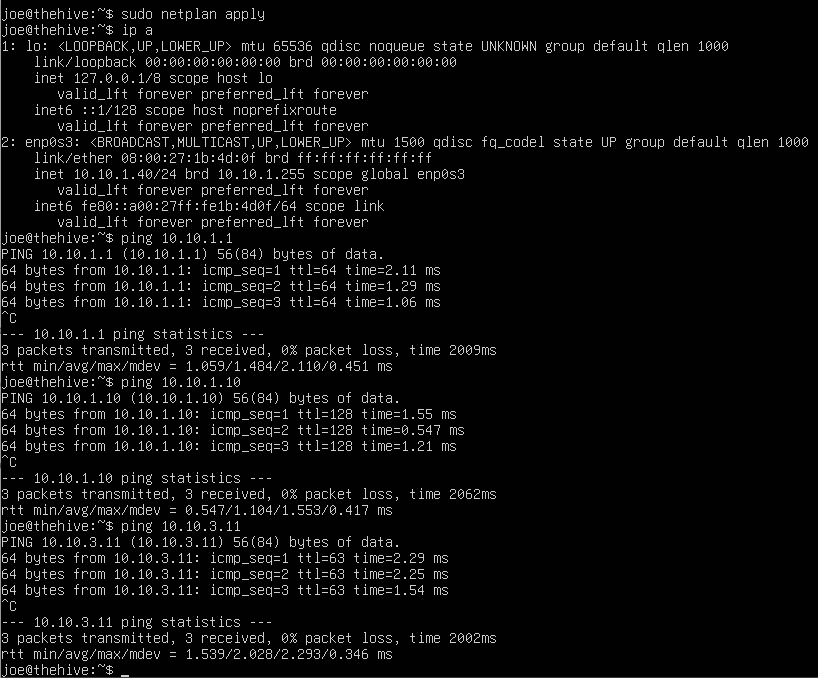
Run sudo netplan apply
Run ip a to confirm the changes went through and run a few pings to make sure the VM can communicate with other VMs in our network
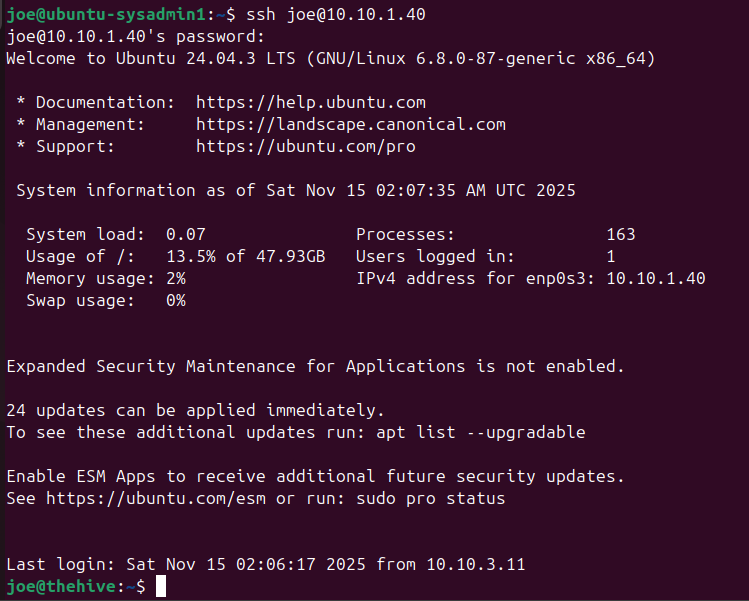
SSH into TheHive VM from our Ubuntu desktop VM
SSH is completely optional, I just find the Ubuntu desktop environment more pleasant
This is a bit confusing since i named the user accounts “joe” for both the Ubuntu VM and TheHive VM, however note that my shell is now “joe@thehive”.