Shuffle Installation via Docker
Installing Shuffle via Docker.
Follow the Ubuntu server VM setup again. This time, we will use this VM to run the Docker engine, which will run a Shuffle instance.
I gave this VM 8 GB RAM, 4 CPUs, 50GB storage.
This VM also has the IP address 10.10.1.41.
Once you set everything up, first install git: sudo apt install git
Docker Engine Install
The Docker Engine installation guide is available at: https://docs.docker.com/engine/install/ubuntu/
These are the commands I ran:
1
2
3
4
5
6
7
8
9
10
11
12
13
14
15
16
17
18
19
20
21
22
23
24
25
26
27
28
29
30
# Uninstall all conflicting packages:
sudo apt remove $(dpkg --get-selections docker.io docker-compose docker-compose-v2 docker-doc podman-docker containerd runc | cut -f1)

# Add Docker's official GPG key:
sudo apt update
sudo apt install ca-certificates curl
sudo install -m 0755 -d /etc/apt/keyrings
sudo curl -fsSL https://download.docker.com/linux/ubuntu/gpg -o /etc/apt/keyrings/docker.asc
sudo chmod a+r /etc/apt/keyrings/docker.asc

# Add the repository to Apt sources:
sudo tee /etc/apt/sources.list.d/docker.sources <<EOF
Types: deb
URIs: https://download.docker.com/linux/ubuntu
Suites: $(. /etc/os-release && echo "${UBUNTU_CODENAME:-$VERSION_CODENAME}")
Components: stable
Signed-By: /etc/apt/keyrings/docker.asc
EOF

sudo apt update

# Install docker
sudo apt install docker-ce docker-ce-cli containerd.io docker-buildx-plugin docker-compose-plugin

# Optional sanity check
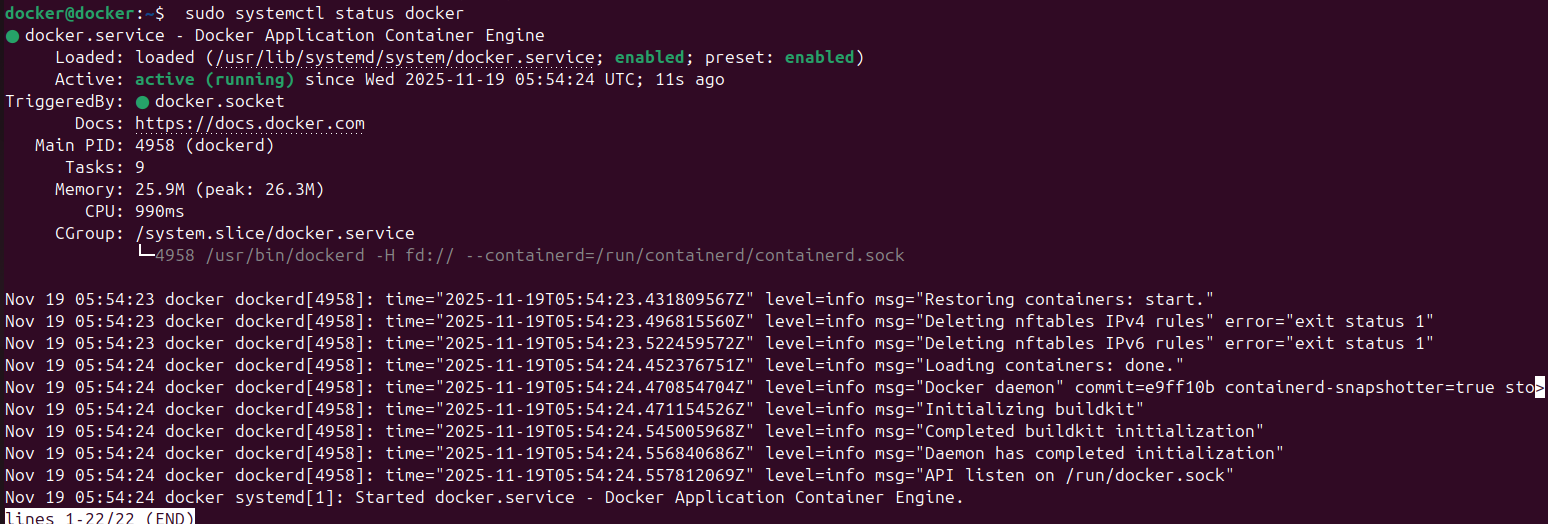
sudo systemctl status docker

sudo systemctl start docker

sudo docker run hello-world
After running all the commands, Docker should automatically be running
Shuffle Installation
The installation guide is available at: https://github.com/Shuffle/Shuffle/blob/main/.github/install-guide.md
Commands to run:
1
2
3
4
5
git clone https://github.com/Shuffle/Shuffle
cd Shuffle
sudo chown -R 1000:1000 shuffle-database    # IF you get an error using 'chown', add the user first with 'sudo useradd opensearch'

sudo swapoff -a                             # Disable swap
Before running
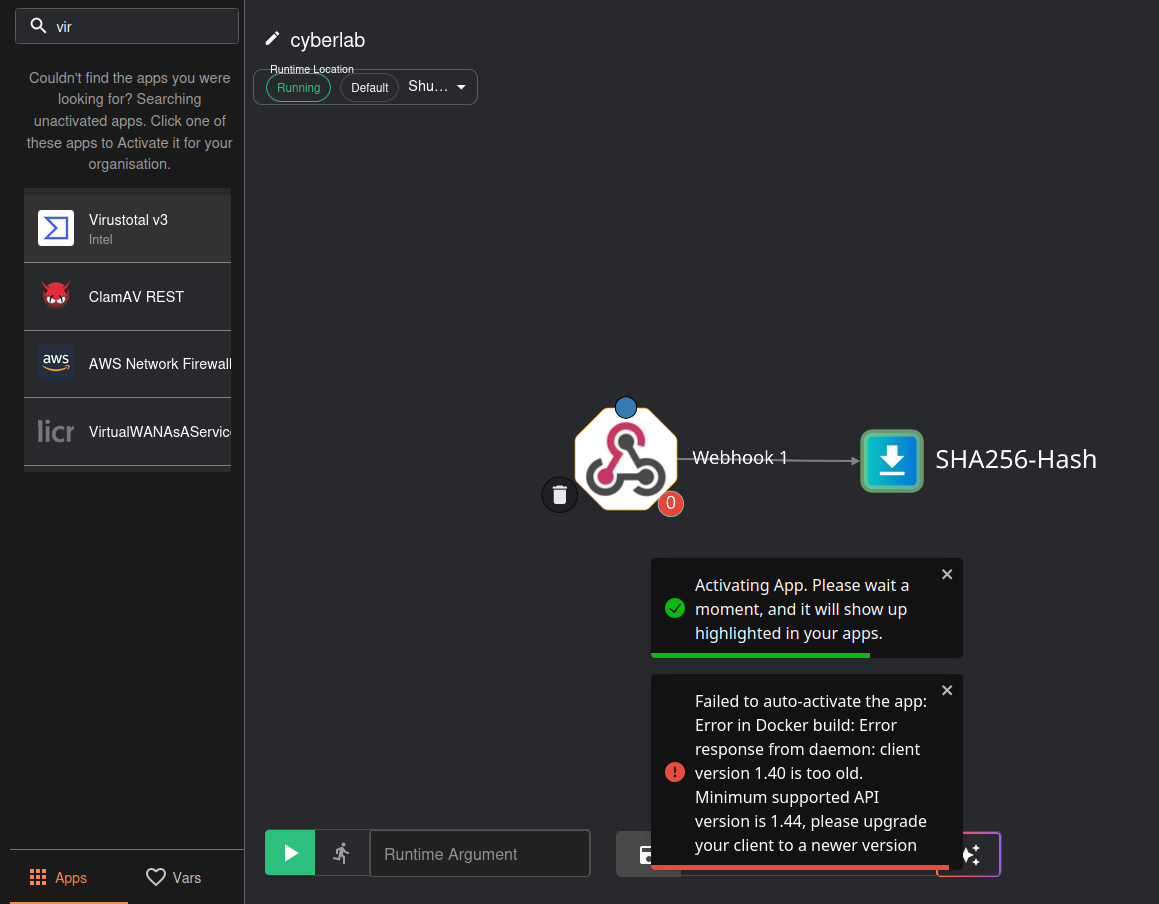
docker compose up -d, change the DOCKER_API_VERSION to 1.44 in both docker-compose.yml and .env (both files are in root directory Shuffle/). At the time of this writing, the default Docker API version for the Shuffle repo is set to 1.40, however this is too low for the apps that we are going to use on Shuffle (VirusTotal and TheHive). The minimum API version must be set to at least 1.44. Otherwise, you will get this error when trying to activate any of the apps.
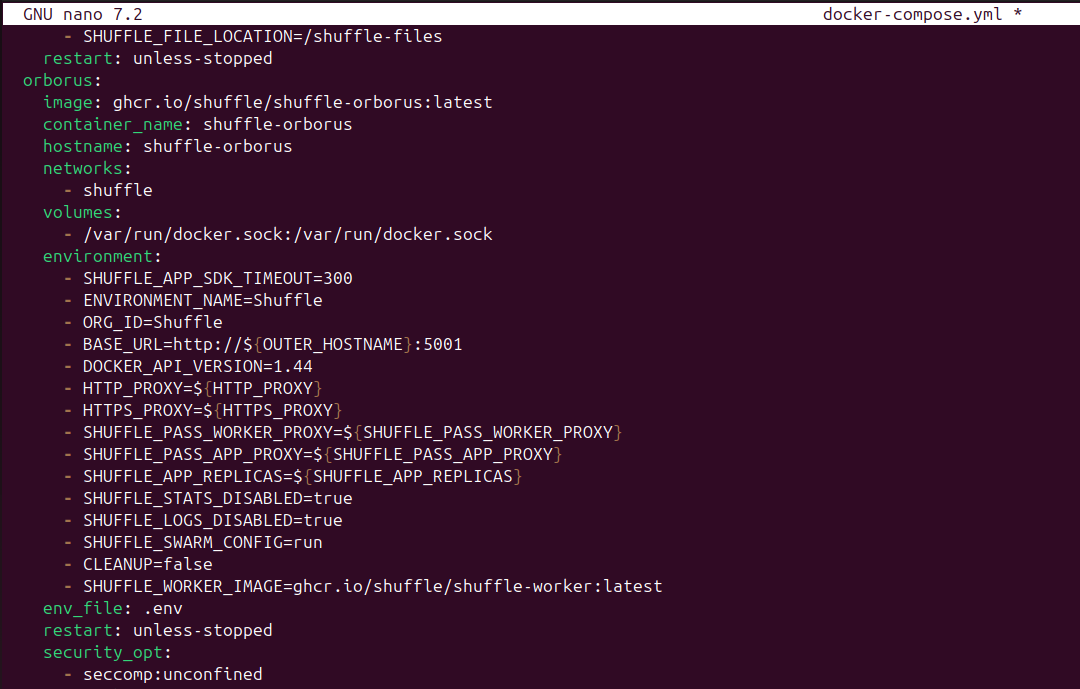
docker-compose.yml
under environment, change DOCKER_API_VERSION to 1.44
save and write changes
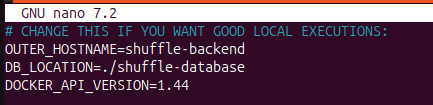
.env
change DOCKER_API_VERSION to 1.44 in .env as well
save and write changes
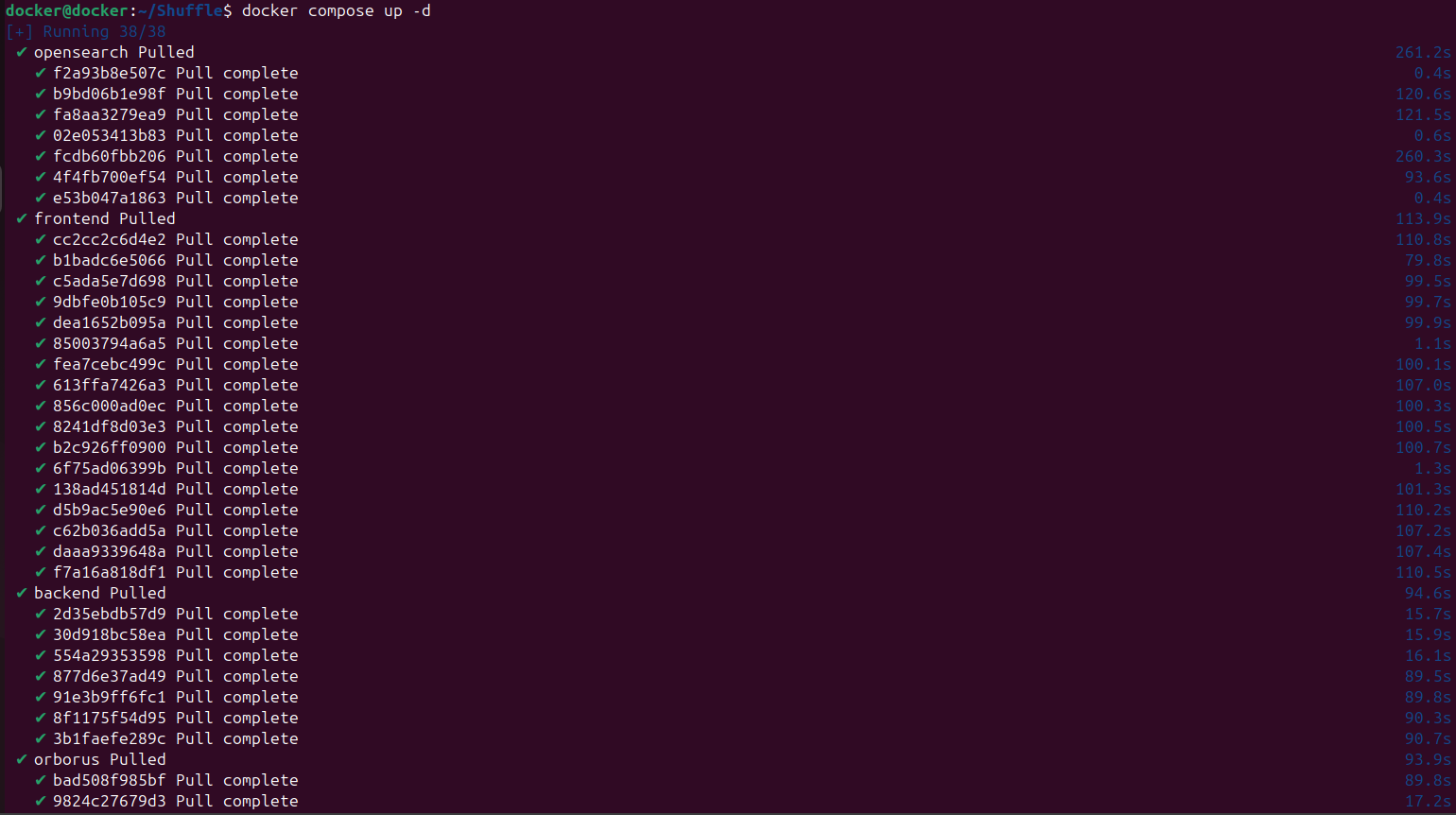
THEN run docker compose up -d
Sanity check
Another sanity check
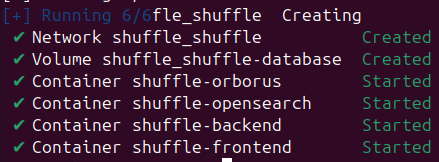
Then run sudo sysctl -w vm.max_map_count=262144
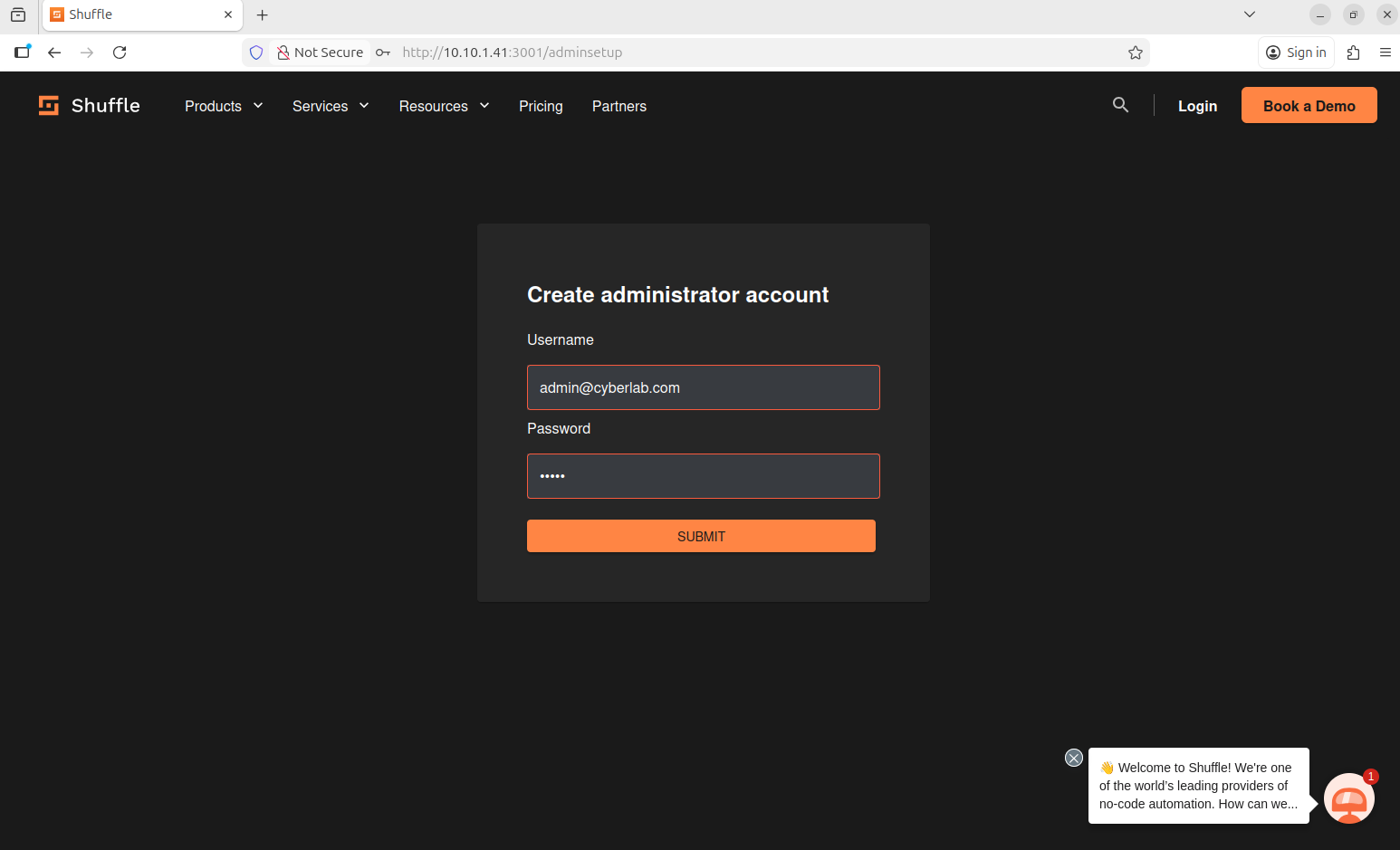
After installation, head to the Shuffle dashboard (http://10.10.1.41:3001 in my case) and create an admin account
When it prompts you to log in, log in using the same credentials
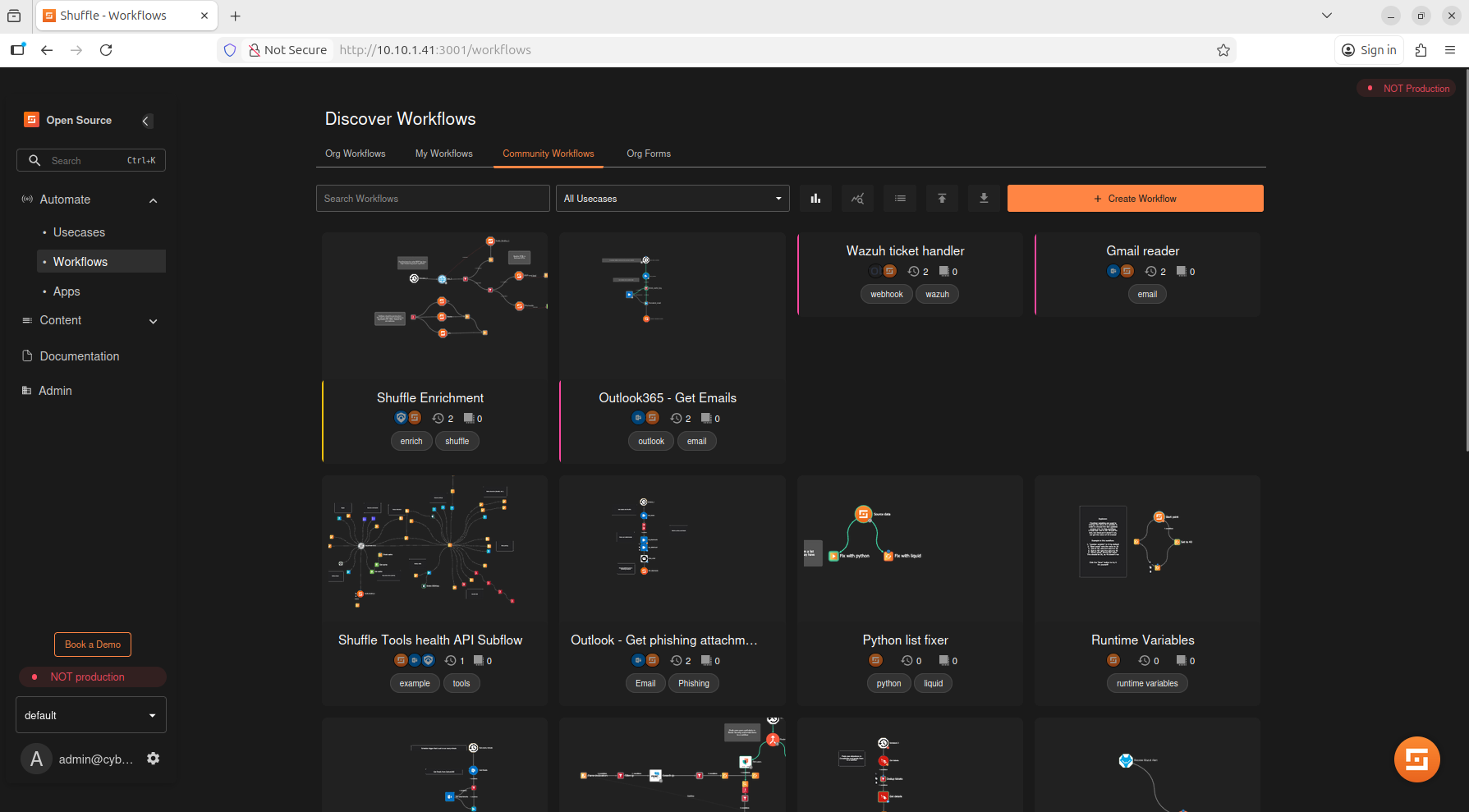
We should be good to go
Next: Shuffle Workflow